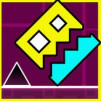
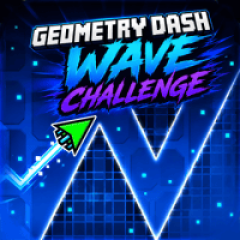
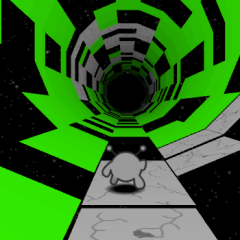
Geometry Dash Wave 3D is a realistic 3D version where you control a geometric character navigating zigzag paths to complete challenging levels.
In Geometry Dash Wave 3D, you control a geometric icon that moves in a wave-like motion through a series of obstacles. The gameplay is simple to learn but extremely difficult to master.
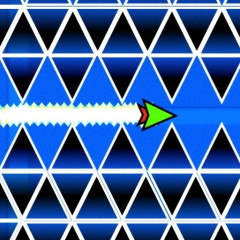
This creates a continuous zigzag movement, which is the core mechanic of Geometry Dash Wave 3D.
The path is filled with zigzag-shaped obstacles that require precise timing. You must carefully control your up-and-down movement to avoid crashing. Some levels feature extremely narrow paths, which can challenge even experienced players. In these tight sections, quick reflexes and precise control are essential.
While both versions share the same core mechanic, Geometry Dash Wave 3D introduces several important upgrades.
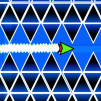
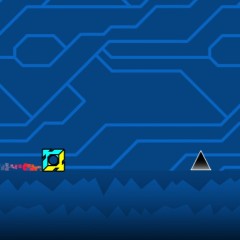
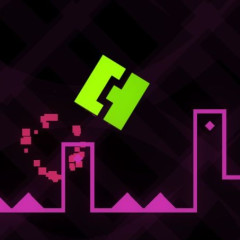
Geometry Dash Wave: Features a 2D, flat design.
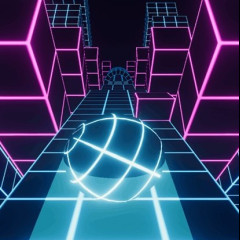
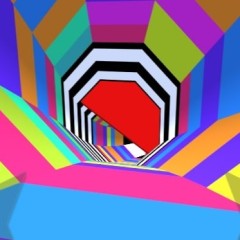
Geometry Dash Wave 3D: Adds depth with 3D-style graphics, making the game more immersive and visually dynamic.
Geometry Dash Wave: Focuses on traditional zigzag paths.
Geometry Dash Wave 3D: Includes more complex layouts, tighter spaces, and creative obstacle patterns.
Geometry Dash Wave: Challenging but more predictable.
Geometry Dash Wave 3D: Often more difficult due to perspective changes and faster gameplay.