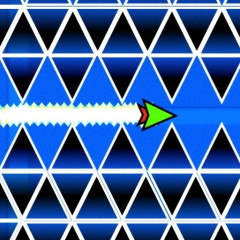
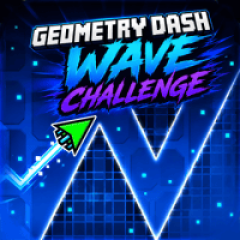
Geometry Dash Wave is different from Geometry Dash Lite 3D because this game does not include a sliding cube or a running robot. The main character is a single arrow that can fly up and move down. Your objective is to guide the arrow to the end of the path by weaving through obstacles along the way.
Click the mouse to make the arrow fly upward, and release it to let the arrow move downward. Precise control is required to avoid obstacles and reach the destination safely.
This game offers 3 maps with increasing difficulty levels. You can start with the easy mode in map 1, which has simple challenges. Can you complete all 3 maps as the difficulty increases?
The game provides a variety of skins, and you can even change the colors of these skins. All skins are free and available without using coins.
Geometry Dash Wave features 2 modes: normal mode and practice mode. Practice mode includes checkpoints that allow you to continue from the last point where the arrow crashed. These modes are commonly found in Geometry Dash games such as Geometry Dash Breeze and Geometry Vibes.